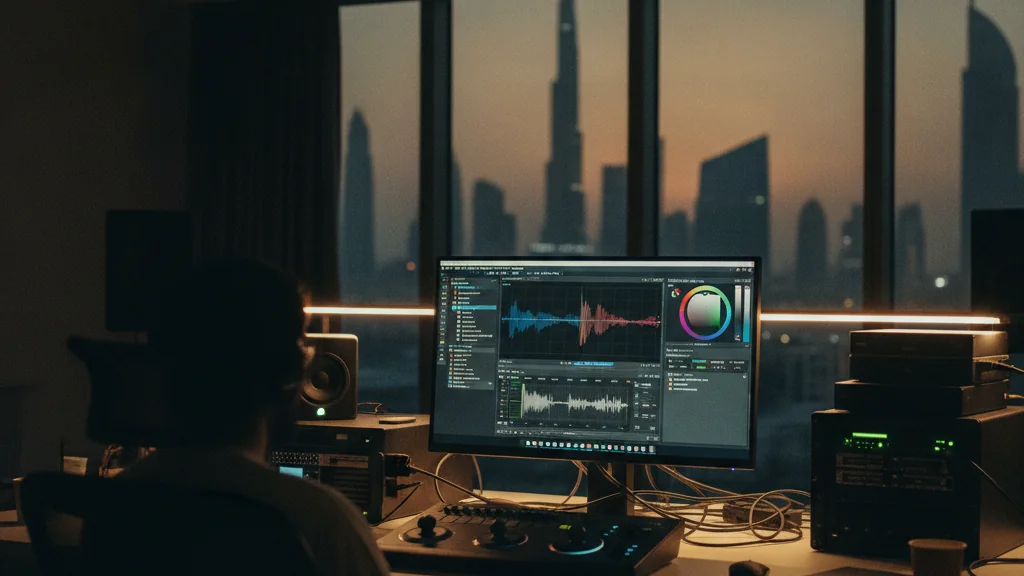
sdr-to-hdr conversion in davinci resolve with hdr toolkit: a workflow for dubai post-production houses
The visual standards for content in Dubai are constantly evolving. From the sprawling vistas of Dubai Marina captured by drone videography to the intricate product shots for luxury brands in DIFC, clients expect nothing less than stunning, high-impact visuals. High Dynamic Range (HDR) is no longer a niche request; it’s becoming the expected delivery format for broadcast, streaming, and even high-end corporate videos. However, much of our existing footage, shot over years, remains in Standard Dynamic Range (SDR). For Dubai’s busy post-production houses, the challenge is clear: how do we efficiently and effectively convert SDR footage to HDR without compromising quality or blowing budgets? This is where DaVinci Resolve, combined with tools like the HDR Toolkit, offers a powerful and practical solution.
why hdr matters for dubai’s creative industry
Dubai’s visual narrative is all about impact. Whether it’s a promotional video for Expo City, a documentary about the Museum of the Future, or a commercial for a new development in JBR, the demand for visual fidelity is paramount. HDR provides significantly greater contrast, a wider color gamut, and more detail in both shadows and highlights compared to SDR. This translates to more realistic, immersive, and visually engaging content. For agencies in Business Bay or production teams in Studio City, delivering HDR content means standing out in a crowded market. It means clients can see the subtle glow of the Burj Khalifa at sunset or the vibrant colors of a desert safari with unprecedented clarity. With platforms like Netflix and Amazon Prime Video making HDR a standard, and local broadcasters beginning to explore its capabilities, mastering SDR-to-HDR conversion is a critical skill for any serious post-production facility in the UAE.
understanding the sdr-to-hdr conversion challenge
Simply "stretching" SDR colors and luminance into an HDR container doesn't work. SDR content is graded to fit within a specific, much smaller dynamic range and color space (Rec.709, typically with a gamma 2.4 curve). HDR, on the other hand, operates in much wider spaces like Rec.2020 and uses perceptual quantizer (PQ) or hybrid log-gamma (HLG) transfer functions. A direct conversion often results in crushed blacks, clipped highlights, and oversaturated colors. The goal of a good SDR-to-HDR conversion isn't just to make the image brighter; it's to intelligently expand the dynamic range and color volume while preserving the original creative intent and avoiding artifacts. This requires a nuanced approach, which is precisely what DaVinci Resolve, when augmented by specialized tools, can provide.
davinci resolve and hdr toolkit: a powerful duo for SDR-to-HDR Conversion
DaVinci Resolve is already the industry standard for color grading, and its robust color management system makes it an ideal platform for HDR workflows. The HDR Toolkit, developed by Cullen Kelly, is a set of advanced DaVinci Resolve power grades and DCTLs (DaVinci Color Transform Language) specifically designed to address the complexities of HDR mastering and SDR-to-HDR conversion. It provides a structured, node-based workflow that allows colorists to manage dynamic range expansion with precision. Instead of relying on generic LUTs that can introduce unwanted shifts, the HDR Toolkit offers granular control over luminance mapping, color volume expansion, and highlight reconstruction.
For post-production houses in Al Quoz or Downtown, this means a repeatable and reliable method for updating their content libraries. The toolkit integrates directly into Resolve’s node tree, making it intuitive for experienced colorists. It's not just about making things brighter; it's about intelligently mapping the SDR luminance range to the larger HDR space, preserving detail in areas that would otherwise clip or crush. This is especially useful when working with archival footage or projects where the original source material was not shot with HDR in mind. For more on optimizing your color workflow, see our post on DaVinci Resolve Color Management in Dubai.
a practical workflow for dubai post-production teams
Here’s a streamlined workflow using DaVinci Resolve and the HDR Toolkit for SDR-to-HDR conversion:
- Project Setup in Resolve: Begin by setting up your DaVinci Resolve project with the correct HDR settings. This typically means a DaVinci Wide Gamut Intermediate color space, with an HDR output color space like Rec.2100 PQ or HLG, and the appropriate nit level (e.g., 1000 nits for PQ).
- SDR Input Transform: The first step for your SDR source footage is to apply an input transform that brings it into the DaVinci Wide Gamut intermediate space. This will usually be a Rec.709 Gamma 2.4 to DaVinci Wide Gamut transform.
- HDR Toolkit Integration: Import the HDR Toolkit power grades into your project. These are typically applied as a series of nodes after your input transform. The toolkit provides specific nodes for SDR-to-HDR expansion, including controls for highlight recovery, mid-tone adjustment, and black point management.
- Creative Grading (if needed): Once the initial SDR-to-HDR expansion is applied, you can perform any additional creative grading within the HDR color space. Remember that changes made here will affect the wider dynamic range. This is where your color grading services really shine.
- Monitoring: Accurate monitoring is non-negotiable for HDR. You'll need an HDR-capable reference monitor calibrated to your target nit level (e.g., 1000 nits). Without it, you’re grading blind.
- Fine-Tuning and QC: This is a critical stage. Use Resolve’s scopes to check for clipping in highlights and crushing in shadows. Pay close attention to skin tones and brand colors to ensure consistency. The HDR Toolkit offers controls that allow precise adjustments to prevent artifacts and maintain a natural look. For tips on quality control, review our article on VFX Workflow Optimization.
- Delivery: Render out your final HDR master in the desired format (e.g., HDR10, HLG, Dolby Vision).
This systematic approach, supported by specialized tools, ensures that your converted HDR content meets the high standards expected by clients in Jumeirah, Deira, and across the UAE. For productions involving complex visual effects or CGI, the ability to maintain consistent color across SDR and HDR deliverables is invaluable. Our AI video production Dubai team understands the nuances of these workflows. For more detailed insights into color science, consider our recent post on Color Science for Filmmakers.
beyond conversion: the future of hdr in dubai
As technology advances, so too will the methods for handling HDR content. We’re seeing more cameras capturing in native HDR formats, and tools for color management are becoming even more sophisticated. The DFGC's initiatives and the growth of media zones like twofour54 and Sharjah Media City continue to foster an environment ripe for adopting cutting-edge production techniques. Understanding and mastering SDR-to-HDR conversion now positions your post-production house as a leader, ready for future demands. Whether it’s for high-profile events at the Coca-Cola Arena or intricate architectural visualizations, delivering in HDR provides a competitive edge. This commitment to quality is what distinguishes top-tier production companies in the region. For further insights into industry trends, a look at publications like Variety can offer valuable perspectives on global standards.